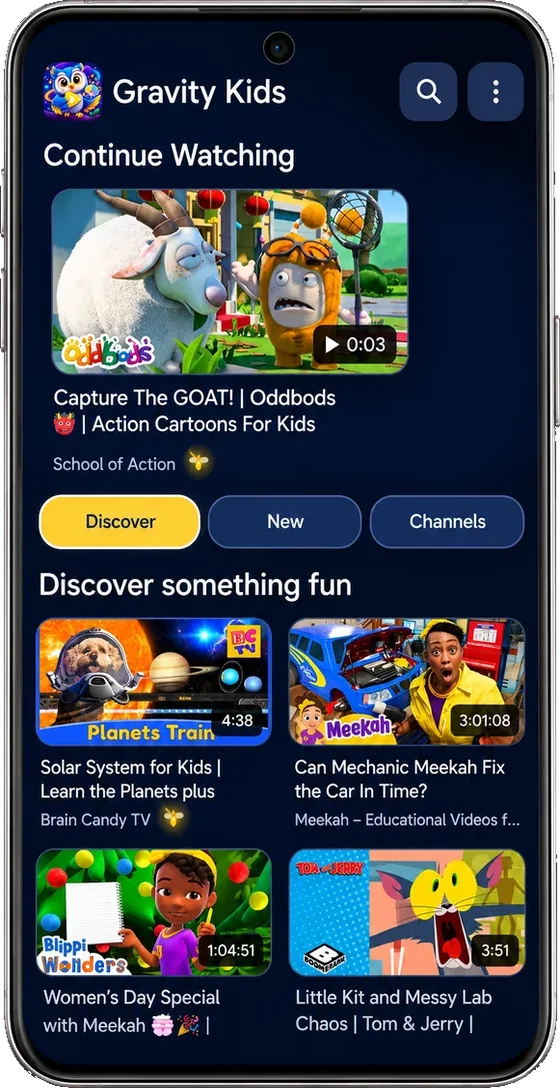
Kids watch only the channels you approve.
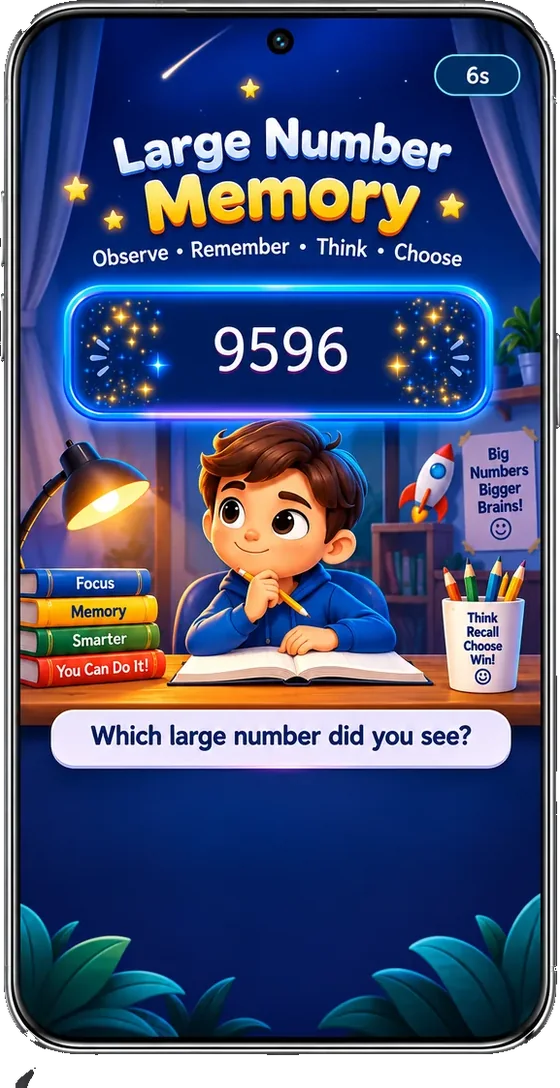
When viewing time is up, the video pauses and Brain Boost begins: short games matched to your child's age and shuffled every time. Kids who give it real effort go straight back to their videos.
You're on the list. We'll let you know.
On Android phones, tablets and Android TV. Using iPhone or iPad, or not on Google Play in your country yet? Tap Notify me.
- You pick every channelNo Shorts, no random feed. Only full videos from channels you chose.
- Breaks happen on their ownSet the minutes once. The PIN keeps it that way.
- 19+ games that adaptDifficulty adjusts to each child, ages 3 to 11+.
Parent PIN on every setting
No ads from Gravity Kids
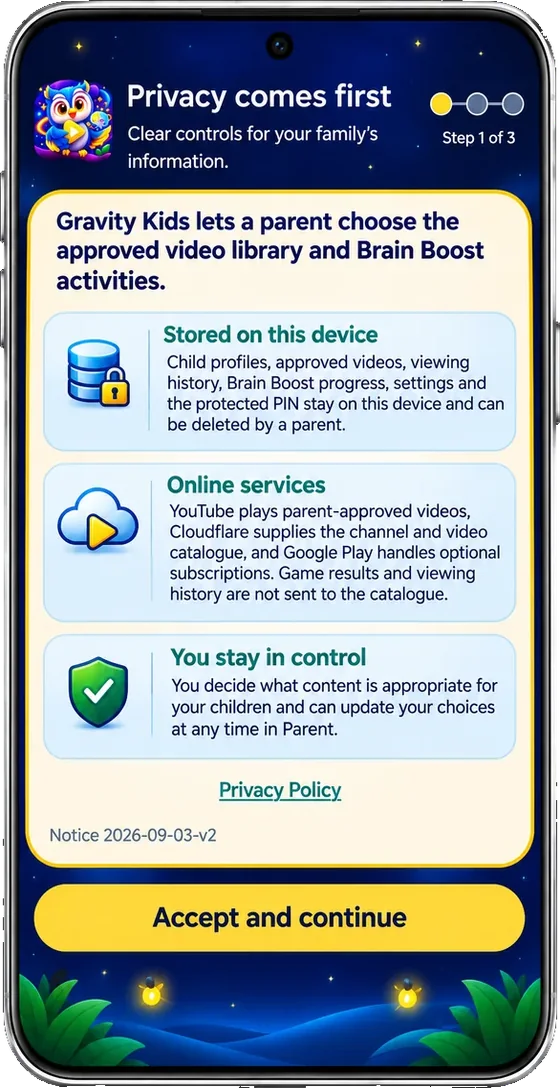
Child data stays on the device
No Shorts only full-length videos
Set it up in three minutes, then let it run
Gravity Kids is a parental control app for kids' videos. You decide what they watch and for how long. The app handles the rest every day.
-
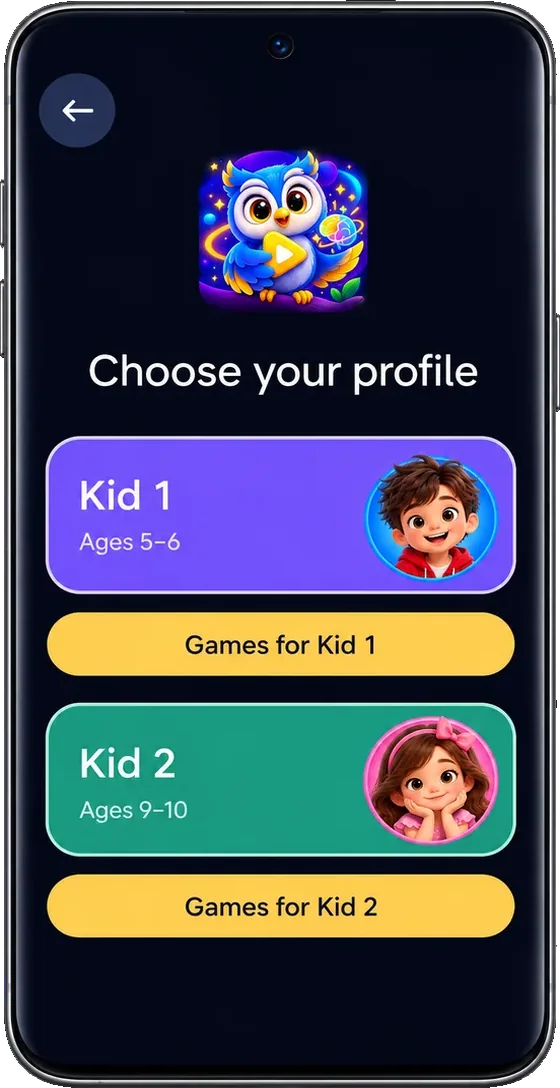
Add your child
Choose their age so games start at the right level.
-
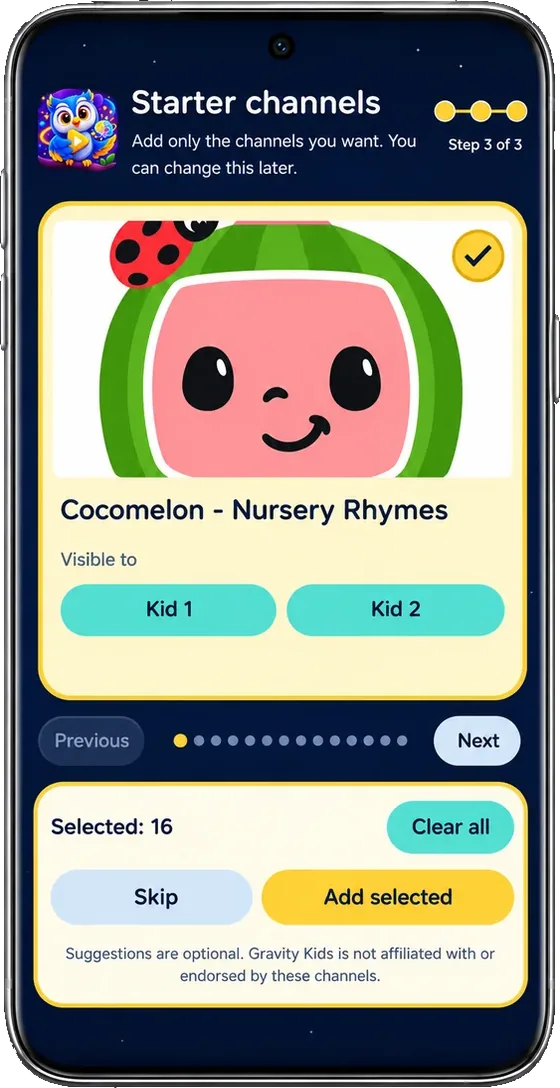
Approve the channels
Pick from suggested kids' channels or add your own favourites.
-
Brain Boost starts by itself
After the minutes you set, the video pauses and an age-matched game session begins.
Effort is the fastest way back to videos
Gravity Kids is built on one simple loop. It keeps watching time healthy and makes sure the games are played properly, not just tapped through.
Watch
Your child watches only the channels you approved, for the minutes you set.
Brain Boost
The video pauses and a session of games picked for their age begins. Games and questions are randomized every time, so there's nothing to memorize.
-
Tried their best?
Videos continue straight away.
Rushed through?
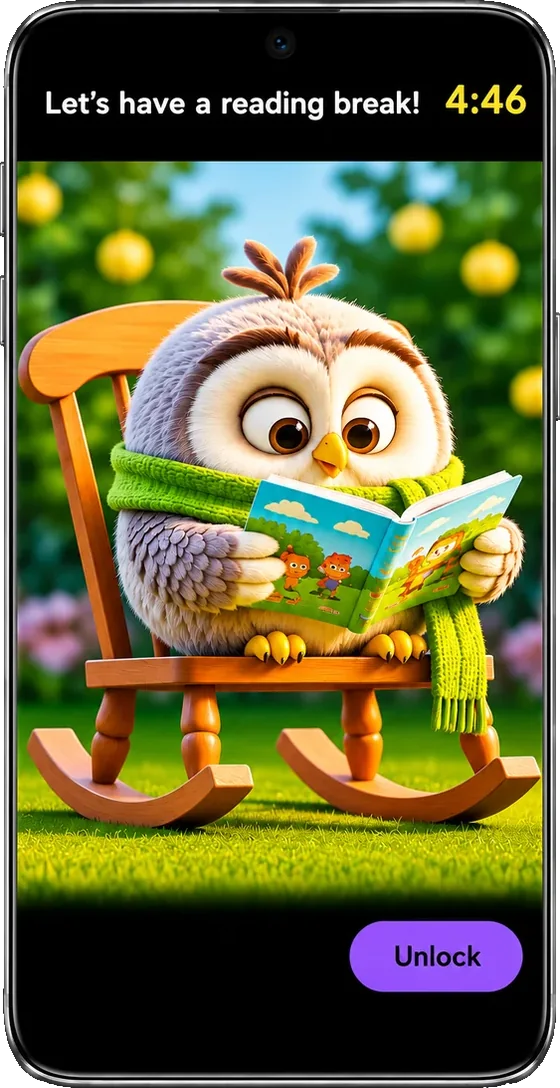
A calm owl reading break with a short countdown comes first, then videos return.
Why the reading break exists
It's never a punishment, and it never tells a child they failed. Without it, kids quickly learn that tapping anything ends the games faster. The owl simply makes rushing slower than trying, so children give each game real thought. Younger children are judged against what's fair for their age.
19+ brain games that adjust to your child
Brain Boost games train memory, focus, numbers, letters, patterns and spatial thinking. Each one starts at your child's age level, then gets harder or easier on its own as they play. You never have to set a difficulty.
New games keep arriving with app updates. More memory, maths, logic and focus games are in development now.
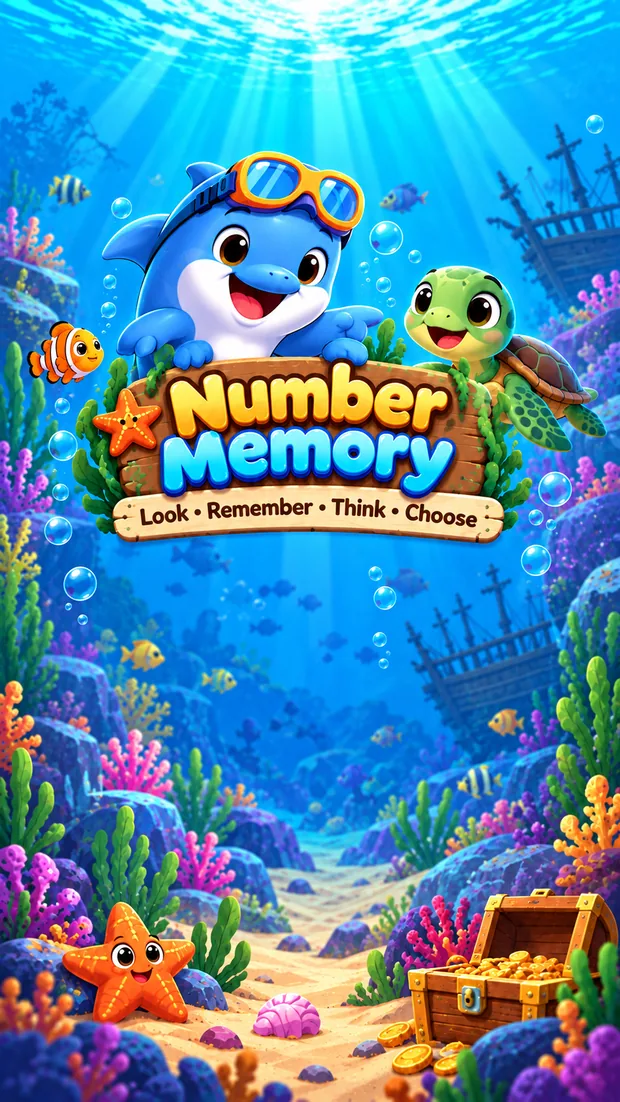
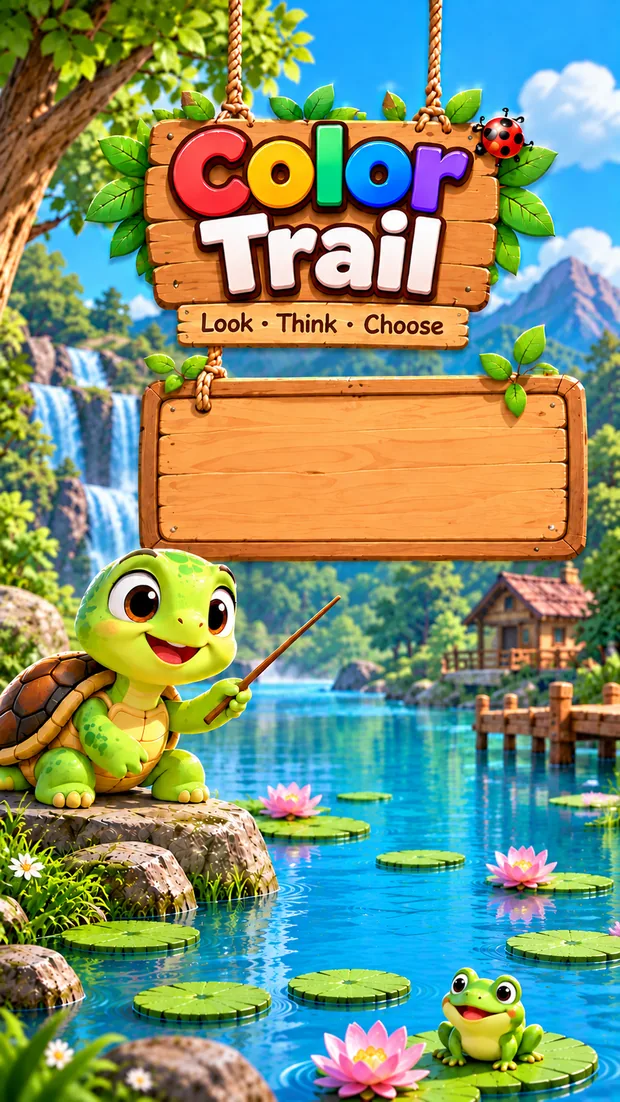
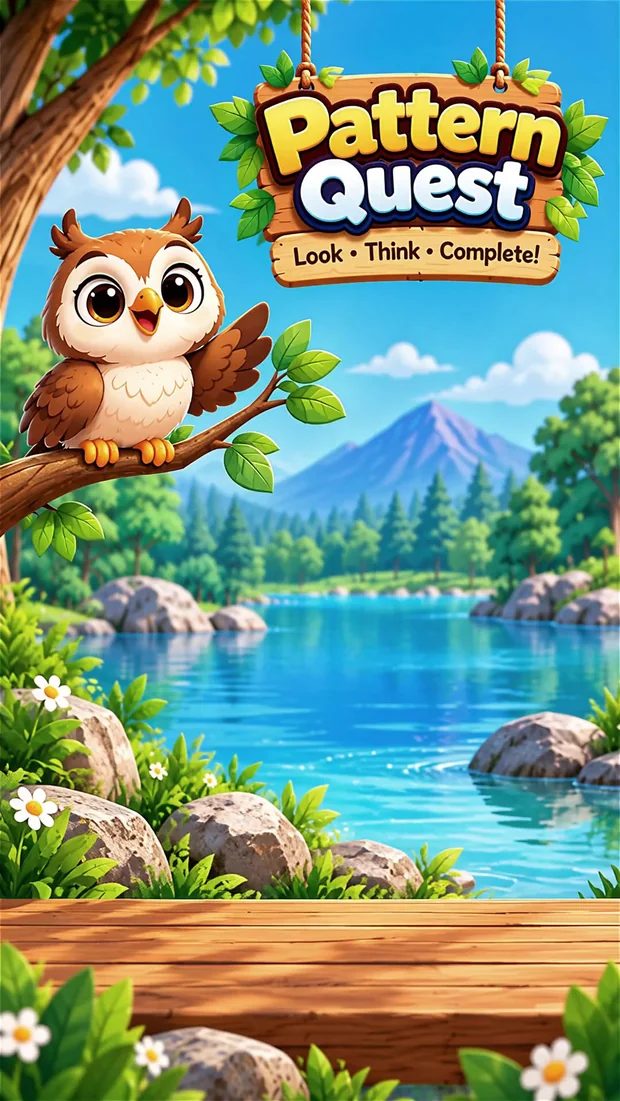
- Starts at the right level
- Age sets the starting difficulty, not a ceiling. A confident five-year-old can climb well past it.
- Levels up by itself
- Get 7 of the last 10 answers right and the game moves up a level. If your child is struggling, it eases back, but never below their starting point.
- Help without shortcuts
- After two wrong tries, a hint appears. Answers given with help are shown to you but don't count toward a level-up, so progress is real.
- Never the same twice
- Games and questions are shuffled every session, and the last question is never repeated.
Memory
Number Memory, Large Number Memory, Magic Match, Color Trail, Direction & Color, Corner Focus, Clothing Symbols, Number Memory Junior
Numbers
Number Sequence, Number Magic, Counting Meadow, Number Wonderland
Letters and words
Alphabet Pop, Letter Garden, Monster Fruit
Logic and space
Pattern Quest, Spatial Reasoning
Focus and reaction
Fruit Catch, Bubble Pop
5 short activities per break. Letters A–Z, counting 1–10 and numbers 0–10, with spoken instructions so non-readers can play alone. New number ranges unlock once your child is ready.
7 games per break with real memory training: your child sees a number, plays a quick game in between, then has to recall it. A Surprise Memory question closes each session.
Kids earn real rewards with brain power
Every Brain Boost session ends with a reward for effort and accuracy. You decide what those rewards add up to, so thinking hard leads to something your child actually wants.
 Diamond80–100% correct
 Gold70–79% correct
 Silver50–69% correct
- Set a weekly goal. Pick how many diamonds, and the prize: outdoor play, bicycle time, drawing and crafts, family game time, a favourite movie, or your own idea.
- Your child earns it by thinking. Diamonds come from strong Brain Boost sessions, and every 5 gold coins count as one more diamond toward the goal.
- Activity unlocked! When the goal is reached, the app celebrates and your child gets the reward you chose. Goals reset every Monday, separately for each child.
Weekly goals and rewards are part of Gravity Kids Premium.
- Mon1
- Tue0
- Wed2
- Thu1
- Fri1
- Sat–
- Sun–
Activity unlocked!
Try 3 sample games right now
These are simplified web demos of three Brain Boost games, so you can get a feel for them. The real games in the app look and play better, with more levels, spoken instructions, rewards and difficulty that adapts to your child.
Demo versions. Graphics, sounds and levels differ in the app.
Get all 19+ gamesGoogle Play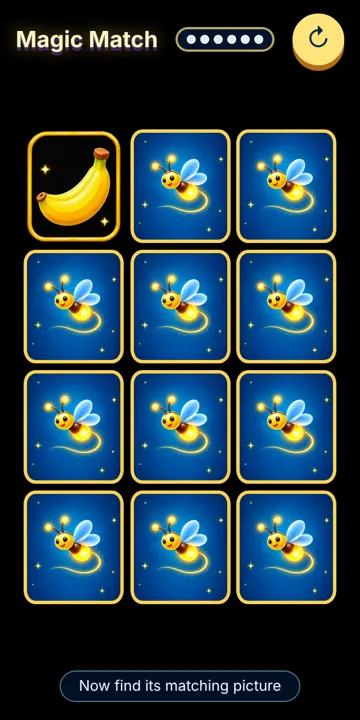
A safe kids video app you stay in charge of
- No Shorts, ever
- Gravity Kids filters out YouTube Shorts and every clip under three minutes. Endless swipe-length videos train children to expect a new burst of excitement every few seconds, which can make it harder to focus, wait and enjoy slower activities. Longer videos let kids settle into a story.
- Locked with your PIN
- Channels, viewing time and games can only be changed in the Parent area.
- Private by design
- Profiles, viewing history and game progress are saved on the device, not on our servers.
- No ads from us
- Gravity Kids doesn't earn money from advertising. Videos play in YouTube's official player.
- Made for the living room
- The same app works on Android TV and Google TV with a remote, and on phones and tablets.
Free to start. Premium when you want more.
| Feature | Free | Premium |
|---|---|---|
| Parent-approved channels | ✓ | ✓ |
| Viewing limits and reading breaks | ✓ | ✓ |
| Brain Boost session | 2 games, levels 1–2 | Full session of 5–7 games, all levels |
| Weekly diamond goals and real-world rewards | – | ✓ |
| Child profiles | 1 | 2 |
| Memory challenges | – | ✓ |
| 7, 30 and 90-day progress reports | – | ✓ |
| Move your library from phone to TV | – | ✓ |
Premium is a yearly subscription, priced in your local currency on Google Play.
Questions parents ask
Is Gravity Kids free?
Yes. The free version includes approved channels, viewing limits, the reading break and a 2-game Brain Boost session. Premium is optional and unlocks full 5–7 game sessions at every level, weekly diamond goals with real-world rewards, a second child profile, progress reports and phone-to-TV transfer.
Can my child find videos I haven't approved?
Your child browses only the channels you approve in the PIN-protected Parent area. Videos play through YouTube's official embedded player, so a few YouTube player controls may still appear.
Do the games get harder as my child improves?
Yes. Every game starts at your child's age level and tracks their last 10 answers. Seven or more correct moves them up a level; a run of mistakes eases it back, never below their starting level. Most games have five levels.
How do the diamond rewards work?
Each Brain Boost session earns a Diamond (80–100% correct), Gold (70–79%) or Silver (50–69%). With Premium, you set a weekly diamond goal and a real-world prize, such as outdoor play or family game time. Five gold coins count as one diamond toward the goal, and goals reset every Monday for each child.
Does Gravity Kids show YouTube Shorts?
No. Shorts and any video under three minutes are filtered out of every channel. Fast, endless short clips can make it harder for children to focus and be patient, so Gravity Kids only plays full-length videos from the channels you approve.
Which devices does it work on?
Android phones, Android tablets, Android TV and Google TV. The TV version is built for the remote. An iPhone and iPad version is coming soon. If you use iPhone or iPad, or Gravity Kids isn't on Google Play in your country yet, tap Notify me at the top of this page to be counted in, with or without your email.
What happens when viewing time is up?
The video pauses and a Brain Boost session of age-matched, randomized games begins. If your child gives it real effort, videos continue straight away. If they rush through, a calm owl reading break with a short countdown comes first, then videos return.
Where is my child's data stored?
On the device. Child profiles, the approved library, viewing history and game progress are not sent to our servers. Read the Privacy Policy.
Is Brain Boost a medical or learning assessment?
No. Brain Boost is a recreational learning activity. It does not diagnose, treat or guarantee improvement in any condition or ability.
Give your child a calmer screen time tonight.
Free onGoogle PlayYou're on the list. We'll let you know.